
Planning Effective Power and Data Cable Management in IT Racks
Schneider Electric · Paul Lin, Brian Mitchell et al.
A Schneider Electric guide (WP 203, 2015) that lays out a seven-step process for power and data cabling inside IT racks, from cable counts to documentation.
On this page
Overview
The guide divides in-rack cabling into seven steps: plan cable counts, choose top or bottom entry, label and colour-code, route and retain, secure connectors, keep exhaust paths clear, and document. The rationale is human error: a cited Uptime Institute study attributes roughly 70% of data center downtime to it. In the cable-count example a 2U server may have four data cables but averages two to three; 20 x 2U servers give 40-60 cables in a relatively high-density rack, or up to 80 in an ultra high-density rack.
Overhead entry is preferred over under-floor routing for traceability and to keep the raised-floor plenum unobstructed. Power and data should run on opposite rear sides of the rack, crossing perpendicularly where they must cross, and copper and fibre are kept apart. F/FTP CAT6A is suggested to limit EMI and AWG26 cables to save space. Cable management arms can form an air dam around server exhaust, causing hot spots and interfering with rack PDUs.
Labelling is governed by ANSI/TIA-606-B (approved April 2012), and automated infrastructure management (AIM) is required for Class 4 (multi-campus) administration. The example fibre test scope tests multimode backbone at 850 and 1300 nm and single-mode at 1310 and 1550 nm in both directions, with copper certified to TIA/EIA TSB67 Level III. Network racks are wider than normal because they carry far larger cable bundles, patch mostly at the front and must support side-to-side switch airflow.
Key points
- Seven steps: cable counts, entry, labelling/colour, routing, connector security, exhaust paths, documentation.
- Uptime Institute: human error causes roughly 70% of downtime.
- A 2U server averages 2-3 data cables (up to 4); 20 servers give 40-60 cables, up to 80 in ultra-dense racks.
- Power on one rear side, data on the other; cross perpendicular; F/FTP CAT6A and AWG26 suggested.
- Cable management arms can form an air dam at server exhaust.
- Labelling per ANSI/TIA-606-B (April 2012); AIM required for Class 4.
- Fibre tests: multimode 850/1300 nm, single-mode 1310/1550 nm, both directions; copper TSB67 Level III.
- Network racks are wider: bigger bundles, front patching, side-to-side airflow.
Using it in design
- Add rack catalog fields: width (600/750/800 mm), vertical cable channel capacity, roof/base cutouts and a 'networkRack' flag.
- In the cable estimator default to 2-3 data cables (up to 4) per 1U/2U server plus 2 power cords, and warn when vertical channel fill exceeds capacity.
- Warn when under-floor cabling shares a raised-floor supply plenum; require A/B power cords on a different rear side from data.
- Warn when side-to-side-airflow switches lack a side-air duct kit; require brush or blanking panels for front-to-back pass-throughs.
Monthly newsletter · free
Keep your reading list current
Once a month: new library sources, changes to Turkish regulations and upcoming data centre events.
SoSo CAD
Check cooling capacity alongside your design
Review zone heat loads, available capacity and the capacity balance after the largest unit is lost in SoSo CAD.
Request a demo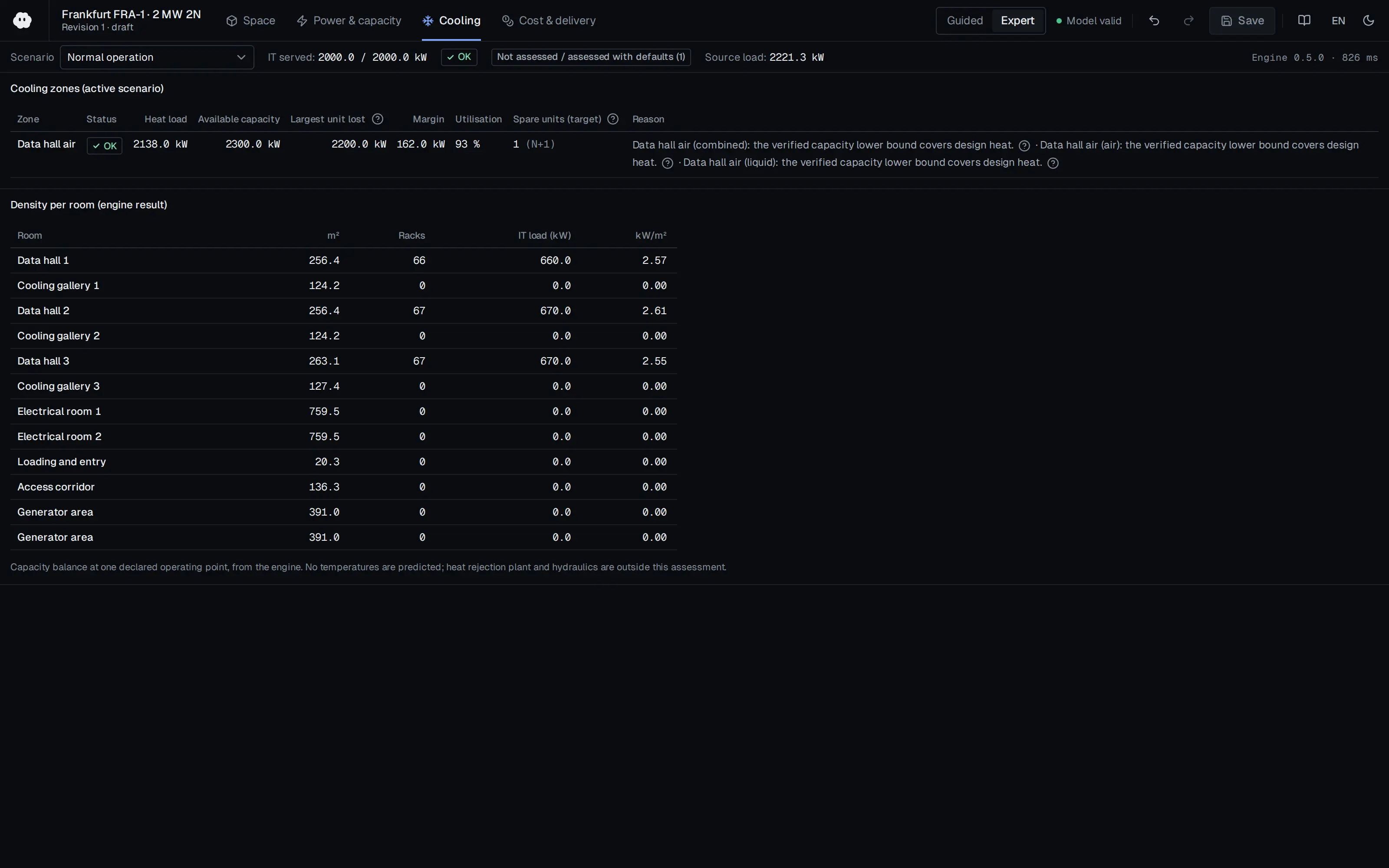
Who should read it
Designers and installers planning in-rack cabling.
Related standards
- ANSI/TIA-606-B
- ANSI/TIA-942
- TIA/EIA TSB67
Publication details
- Authors
- Paul Lin; Brian Mitchell; Joe Kramer
- Publisher
- Schneider Electric
- Year
- 2015
- Document number
- WP 203
- Document language
- English
- Source type
- Manufacturer
- Access
- Free to read
- Licence
- Copyright retained; citation only — the publisher’s terms apply to the original document
Citation
Paul Lin; Brian Mitchell; Joe Kramer (2015). Planning Effective Power and Data Cable Management in IT Racks. Schneider Electric. WP 203. https://download.schneider-electric.com/files?p_Doc_Ref=SPD_VAVR-9G4NDJ_EN
Events on this subject
- SC26 – International Conference for High Performance Computing, Networking, Storage and Analysis
- Data Center World Middle East
- Datacenter Forum Stockholm
All content and rights belong to the respective authors and publishers. SoSo CAD provides only the citation, its own summary and a link to the source, and is not responsible for the sources' content.